
Image Editing Guides for Every Tool
A dedicated tutorial for every one of our 40+ browser-based tools — resize, crop, convert, watermark, filter, OCR and more. Zero uploads, zero fluff, pro-grade results.
Browse by Category
Featured Article
How to Compress Images Without Losing Quality in 2026
A complete browser-based guide to compressing JPG, PNG and WEBP files — keep sharpness, cut file size by up to 80%.
Latest Articles
12 articlesHow to Compress Images Without Losing Quality in 2026
A complete browser-based guide to compressing JPG, PNG and WEBP files — keep sharpness, cut file size by up to 80%.
The Complete 2026 Guide to Social Media Image Sizes
Every pixel dimension you need for Instagram, Facebook, LinkedIn, TikTok, YouTube and X — with templates and export presets.
How to Convert PNG to WEBP in Your Browser (No Upload)
A private, instant way to convert PNG images to WEBP — smaller files, transparency preserved, zero uploads.
Extract Text from Any Image with OCR — The Complete Guide
Turn scanned documents, screenshots and photos into editable text — right in your browser, no uploads, no accounts.
How to Add a Professional Watermark to Your Images
Protect your photography and design work with tasteful text or logo watermarks — five styles that actually look great.
How to Resize an Image Without Losing Quality
Master resampling, aspect ratios and pixel density so every resize keeps every ounce of sharpness.
Background Removal: What Actually Works in 2026
Cut out subjects cleanly using the modern tricks — chroma keys, alpha thresholds and manual refinement.
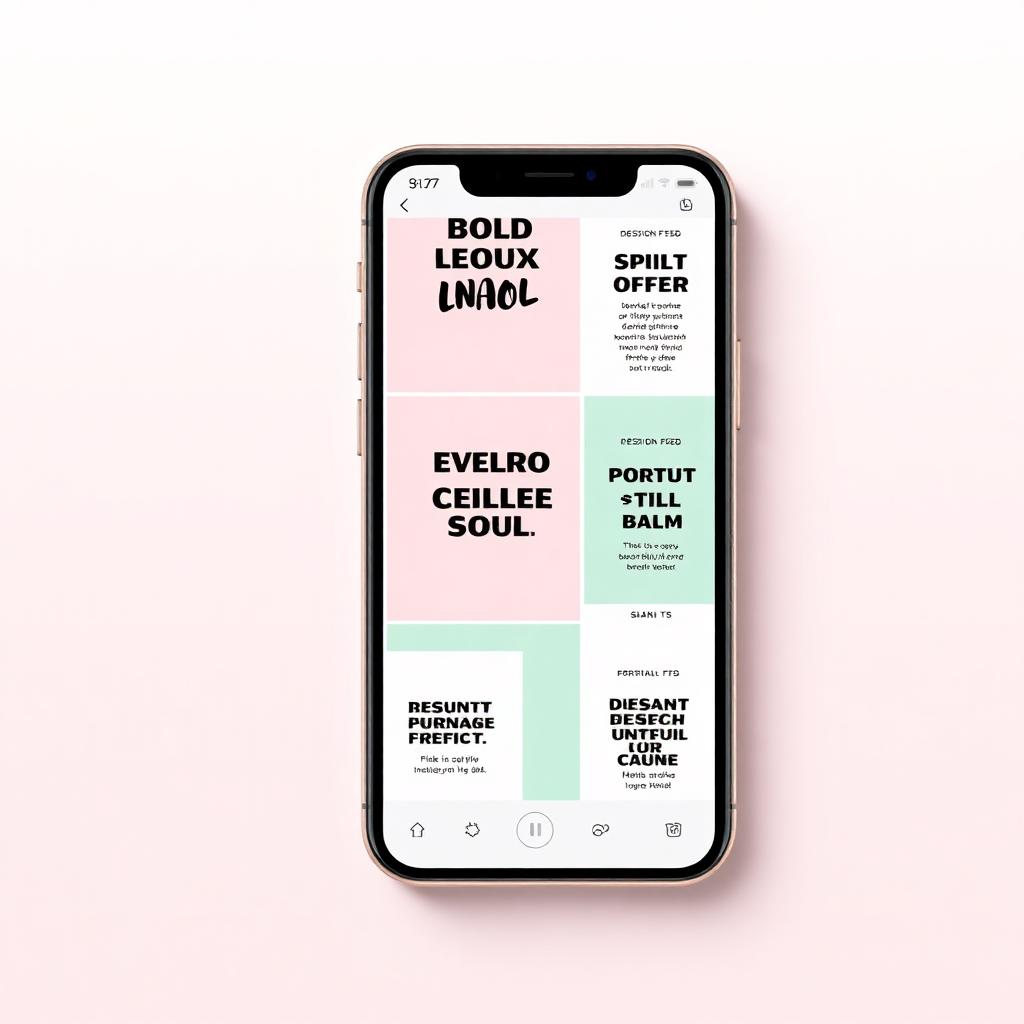
10 Instagram Post Design Tips That Actually Boost Engagement
The visual patterns behind high-performing Instagram posts, distilled from analyzing thousands of top-performing feeds.
How to Use the Resize Image — Free Browser Guide (2026)
Resize photos to any width or height with optional aspect-ratio lock and high-quality bilinear resampling — all in your browser.
How to Use the Crop Image — Free Browser Guide (2026)
Crop photos to a precise area with a draggable rectangle, snap guides and pixel-accurate previews — entirely client-side.
How to Use the Rotate Image — Free Browser Guide (2026)
Rotate images at any angle with smooth sub-pixel rendering, or use lossless 90-degree quick rotation for perfect orientation.
How to Use the Flip Horizontal — Free Browser Guide (2026)
Mirror your image along the vertical axis to flip it left-to-right — perfect for selfies and symmetrical compositions.
Ready to try it yourself?
Open the studio and put these tips into practice with our 40+ free browser-based tools.