
Image Editing Learning Center
A complete collection of tutorials, image editing guides, AI tips, format comparisons and optimization resources — always free, always browser-based.
Guide Categories
Pick a topic to see every tutorial and tool inside it.
Popular Guides
The tutorials our readers open the most.
How to Resize Images Without Losing Quality
Master pixel-perfect resizing and retina exports.
Read guidePNG vs JPG — Which One Should You Use?
A visual, side-by-side breakdown of both formats.
Read guideWEBP vs PNG — Complete Comparison Guide
When WEBP wins, when PNG still matters.
Read guideHow to Compress Images the Smart Way
Cut file size 60–80% with no visible loss.
Read guideRemove Background Like a Professional
Clean edges, hair detail and transparent PNG output.
Read guideBest Image Formats for Websites in 2026
A modern guide to PNG, JPG, WEBP and AVIF.
Read guideImage SEO Guide — Rank Higher With Better Images
Alt text, filenames, sizing and Core Web Vitals.
Read guideInstagram Image Size Guide 2026
Feed, reels, stories, carousels — exact pixels.
Read guideYouTube Thumbnail Size & Design Guide
1280×720 templates that boost click-through rate.
Read guideHow to Convert Images Online — Full Walkthrough
PNG, JPG, WEBP and Base64 in your browser.
Read guideAll Guides
24 articles
How to Compress Images Without Losing Quality in 2026
A complete browser-based guide to compressing JPG, PNG and WEBP files — keep sharpness, cut file size by up to 80%.
The Complete 2026 Guide to Social Media Image Sizes
Every pixel dimension you need for Instagram, Facebook, LinkedIn, TikTok, YouTube and X — with templates and export presets.
How to Convert PNG to WEBP in Your Browser (No Upload)
A private, instant way to convert PNG images to WEBP — smaller files, transparency preserved, zero uploads.
Extract Text from Any Image with OCR — The Complete Guide
Turn scanned documents, screenshots and photos into editable text — right in your browser, no uploads, no accounts.

How to Add a Professional Watermark to Your Images
Protect your photography and design work with tasteful text or logo watermarks — five styles that actually look great.
How to Resize an Image Without Losing Quality
Master resampling, aspect ratios and pixel density so every resize keeps every ounce of sharpness.
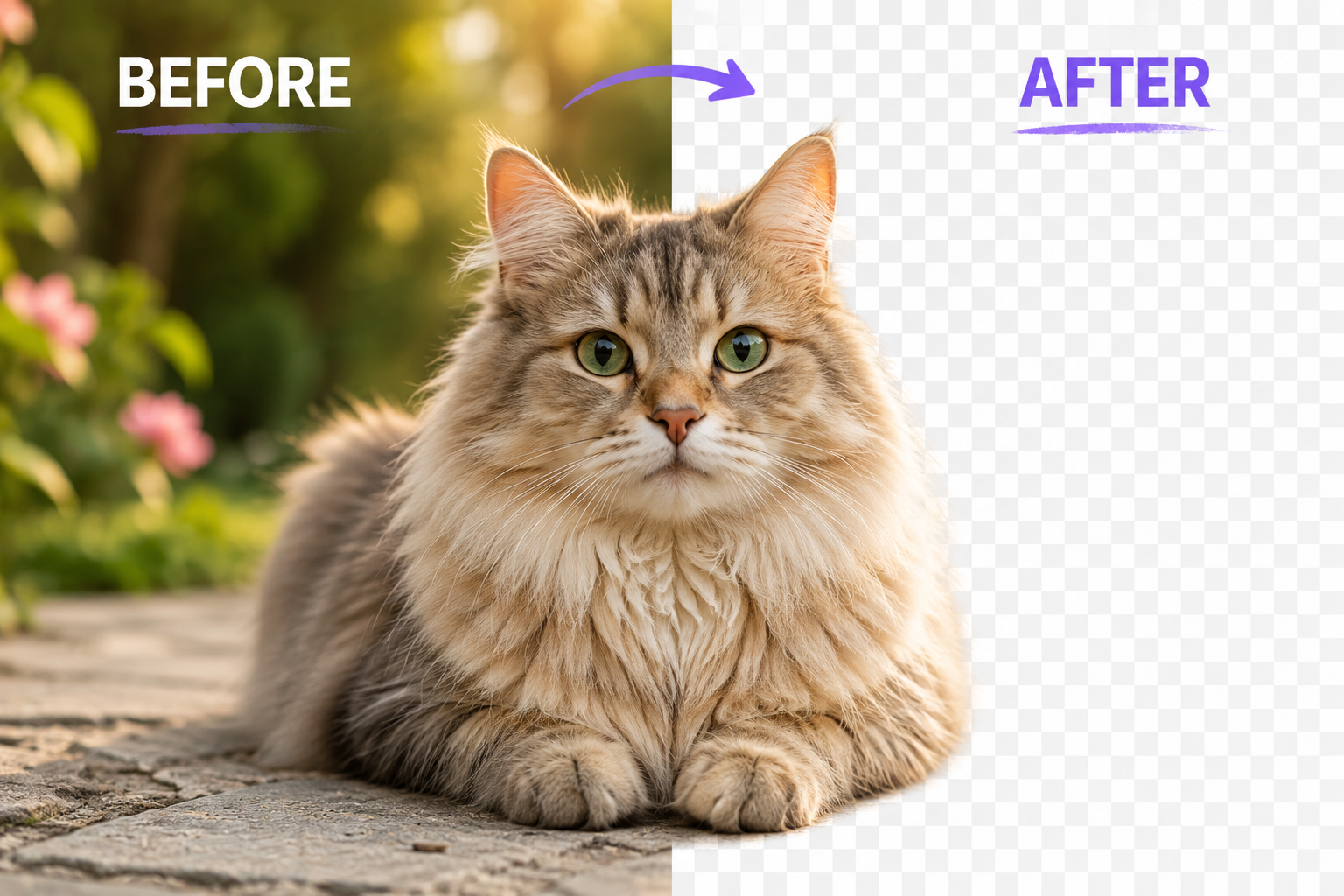
Background Removal: What Actually Works in 2026
Cut out subjects cleanly using the modern tricks — chroma keys, alpha thresholds and manual refinement.
10 Instagram Post Design Tips That Actually Boost Engagement
The visual patterns behind high-performing Instagram posts, distilled from analyzing thousands of top-performing feeds.
How to Use the Resize Image — Free Browser Guide (2026)
Resize photos to any width or height with optional aspect-ratio lock and high-quality bilinear resampling — all in your browser.
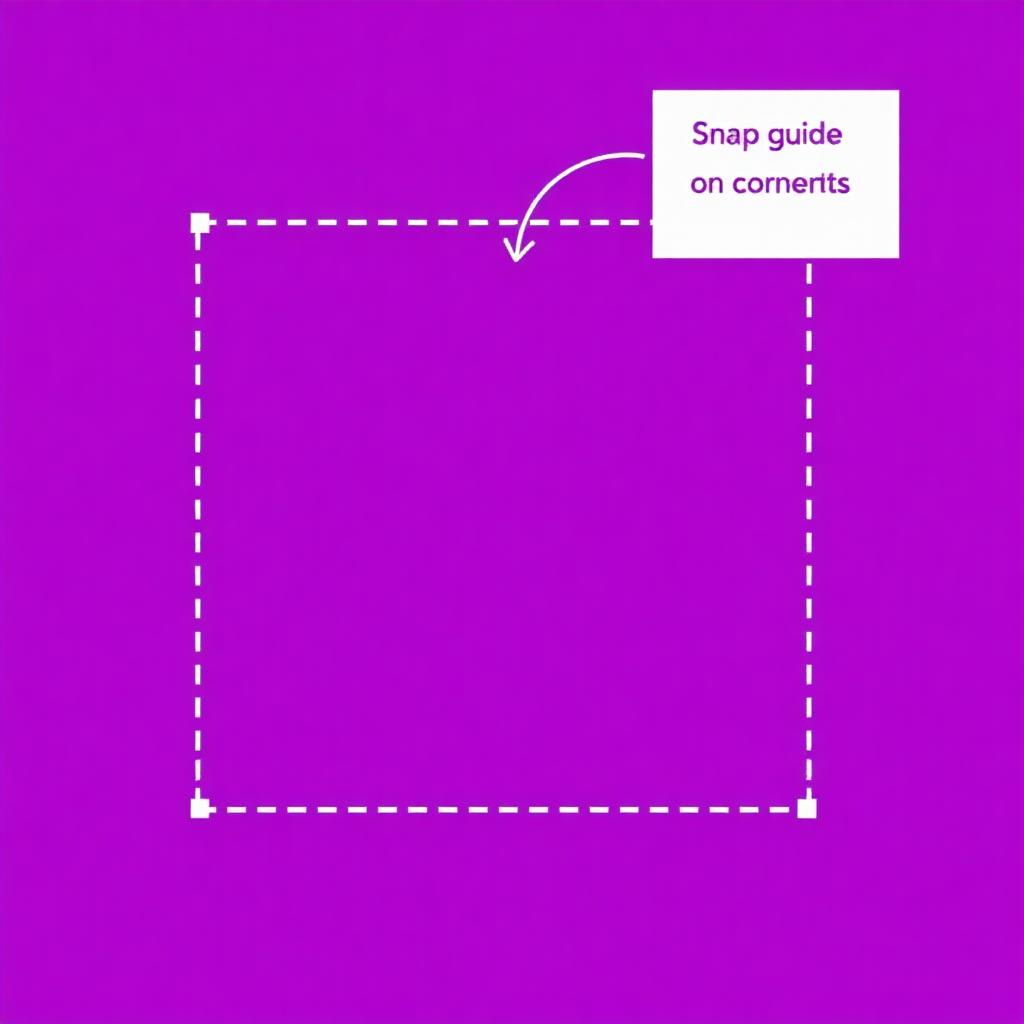
How to Use the Crop Image — Free Browser Guide (2026)
Crop photos to a precise area with a draggable rectangle, snap guides and pixel-accurate previews — entirely client-side.
How to Use the Rotate Image — Free Browser Guide (2026)
Rotate images at any angle with smooth sub-pixel rendering, or use lossless 90-degree quick rotation for perfect orientation.
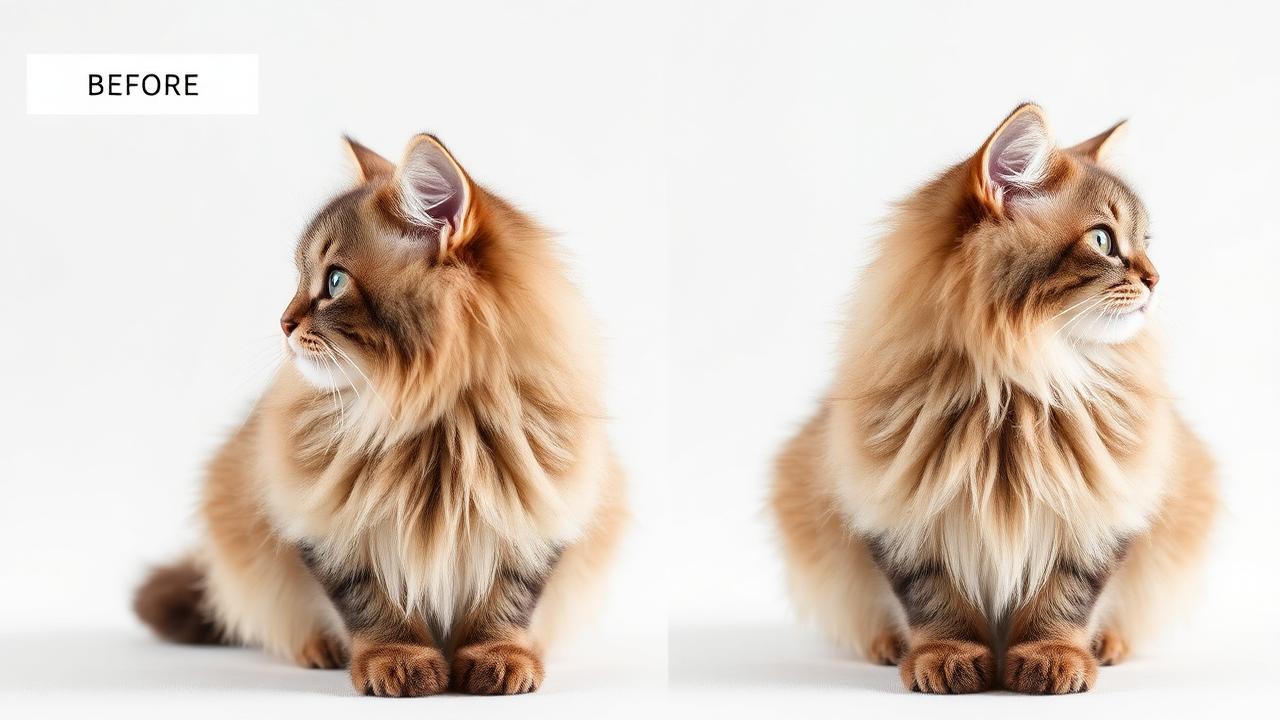
How to Use the Flip Horizontal — Free Browser Guide (2026)
Mirror your image along the vertical axis to flip it left-to-right — perfect for selfies and symmetrical compositions.
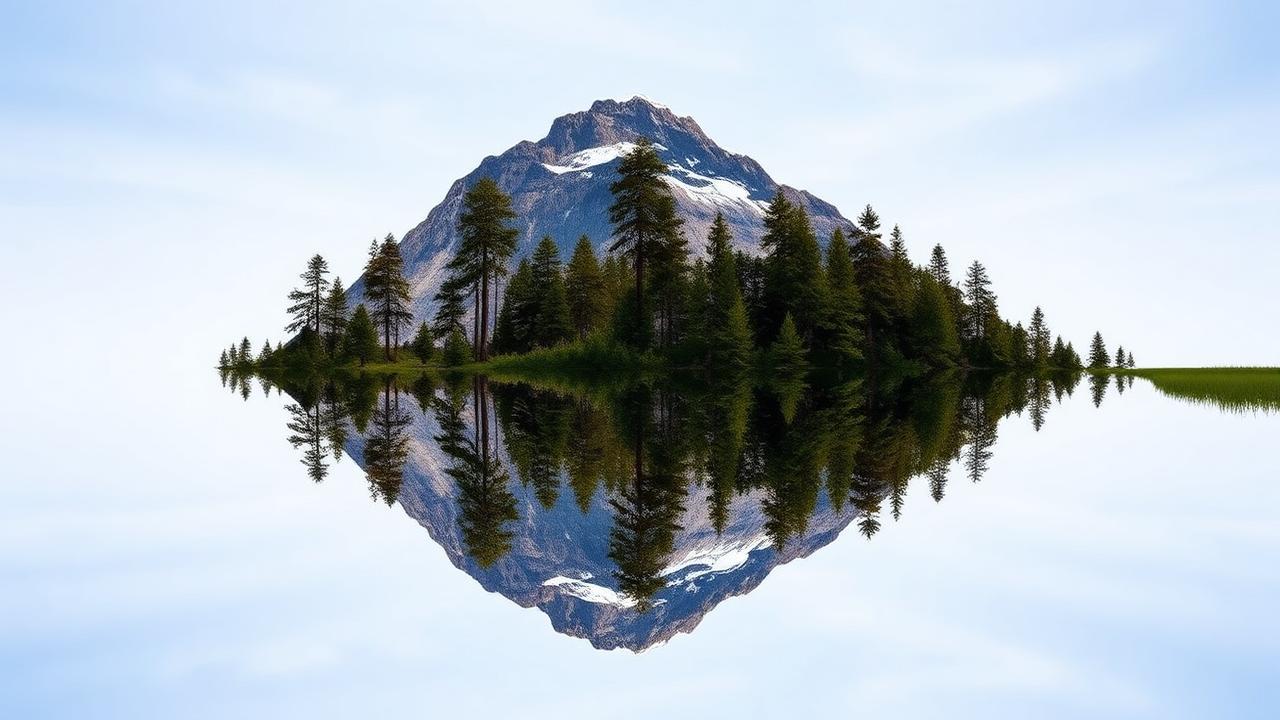
How to Use the Flip Vertical — Free Browser Guide (2026)
Flip your image upside-down along the horizontal axis to mirror it top-to-bottom for creative or corrective edits.
How to Use the Round Corners — Free Browser Guide (2026)
Apply soft rounded corners to any image with a precise radius slider — ideal for thumbnails, avatars and UI assets.
How to Use the Border Generator — Free Browser Guide (2026)
Add a colored border around your image with adjustable thickness and color for a clean framed look.
How to Use the Shadow Generator — Free Browser Guide (2026)
Add a soft drop shadow beneath your image with tunable blur, offset and color to make assets pop on any background.
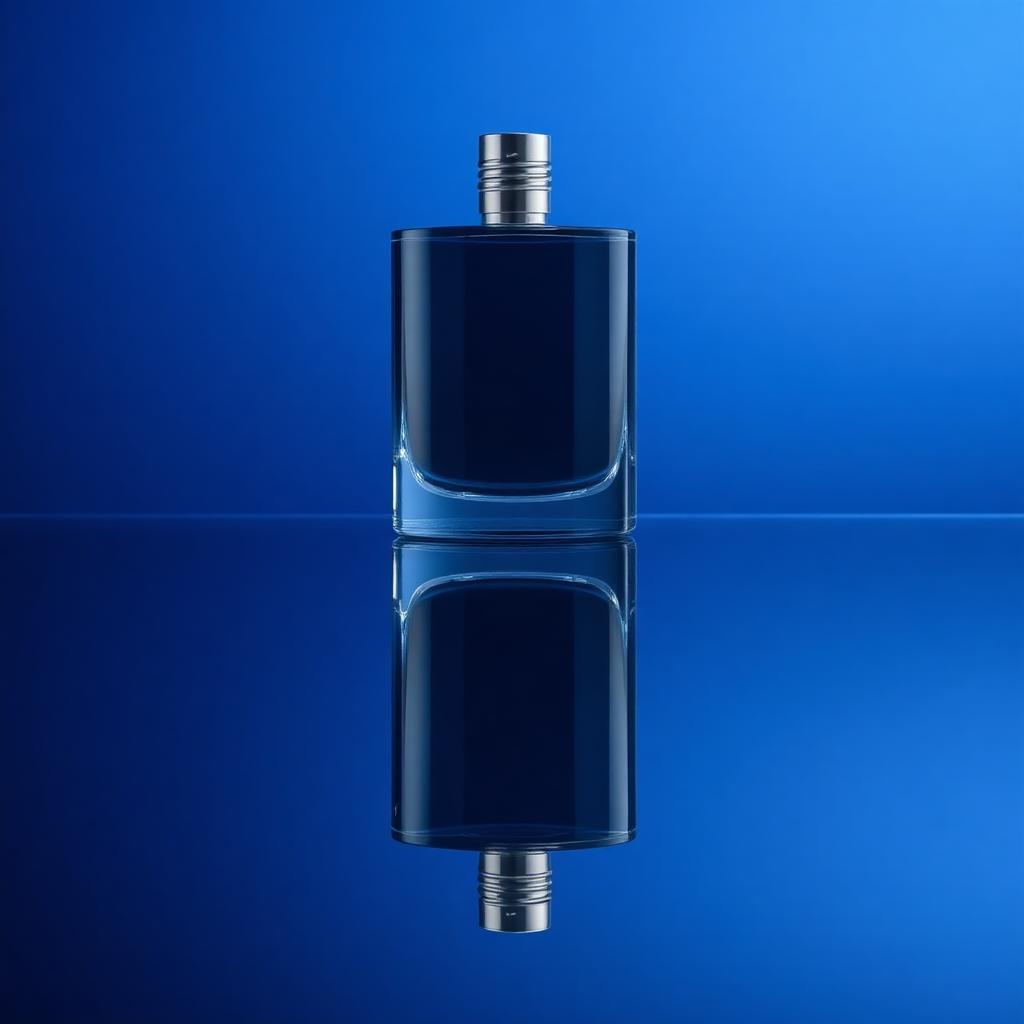
How to Use the Reflection Effect — Free Browser Guide (2026)
Create a glossy mirrored reflection below your image with a smooth fade — perfect for product shots and hero visuals.
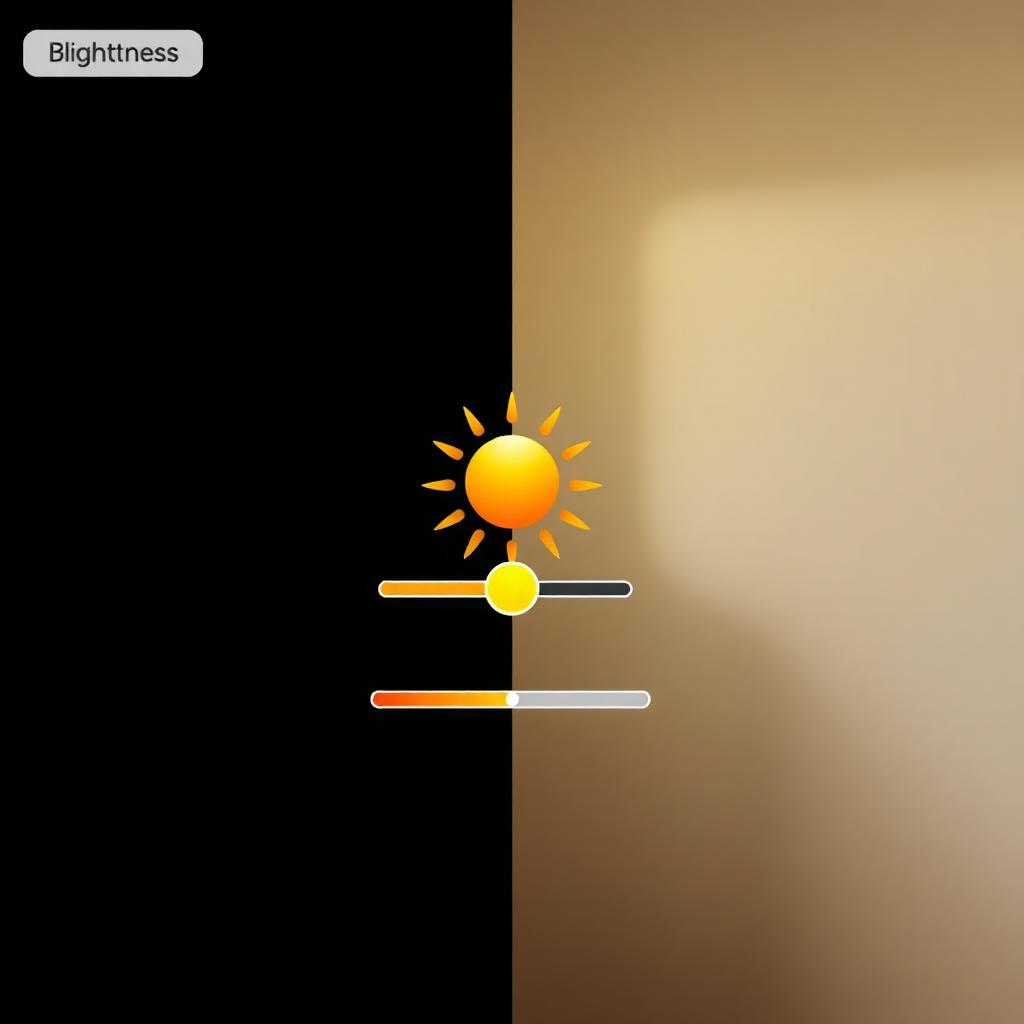
How to Use the Brightness — Free Browser Guide (2026)
Brighten or darken your photo with a precise slider — fix underexposed shots or add lift without losing detail.
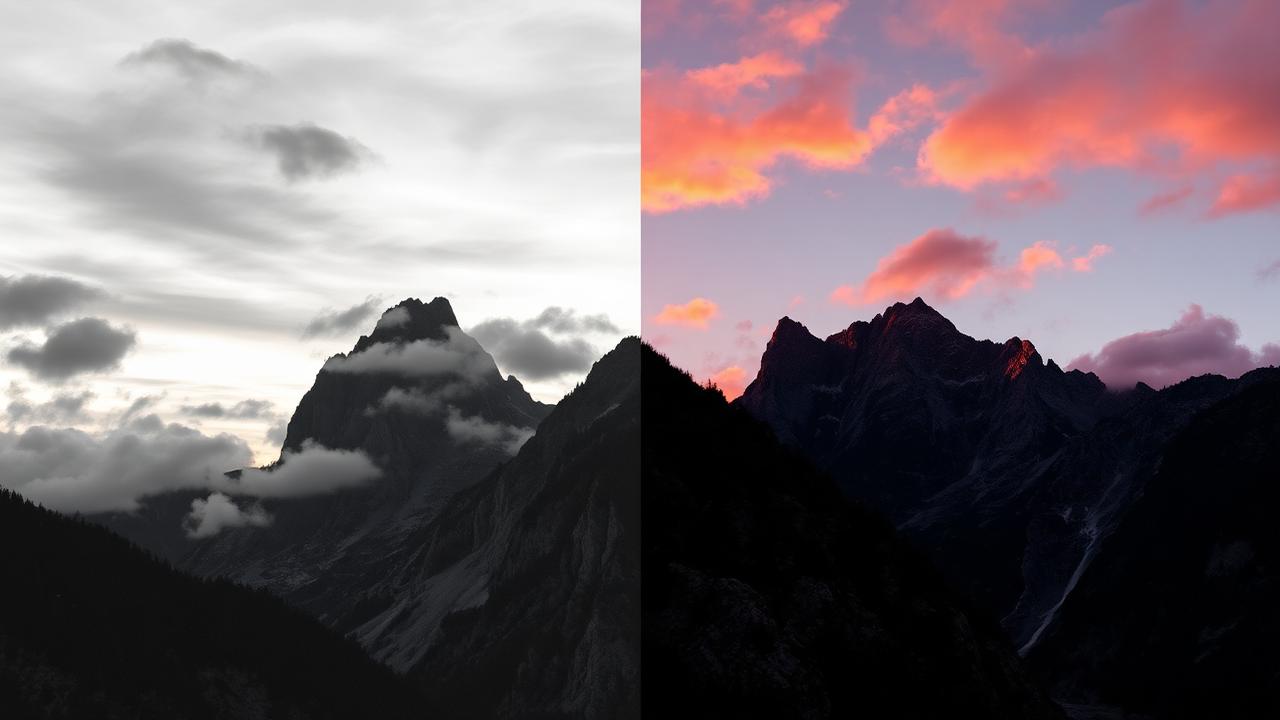
How to Use the Contrast — Free Browser Guide (2026)
Boost or reduce contrast to make highlights pop and shadows deepen, or to flatten a high-contrast image for editing.
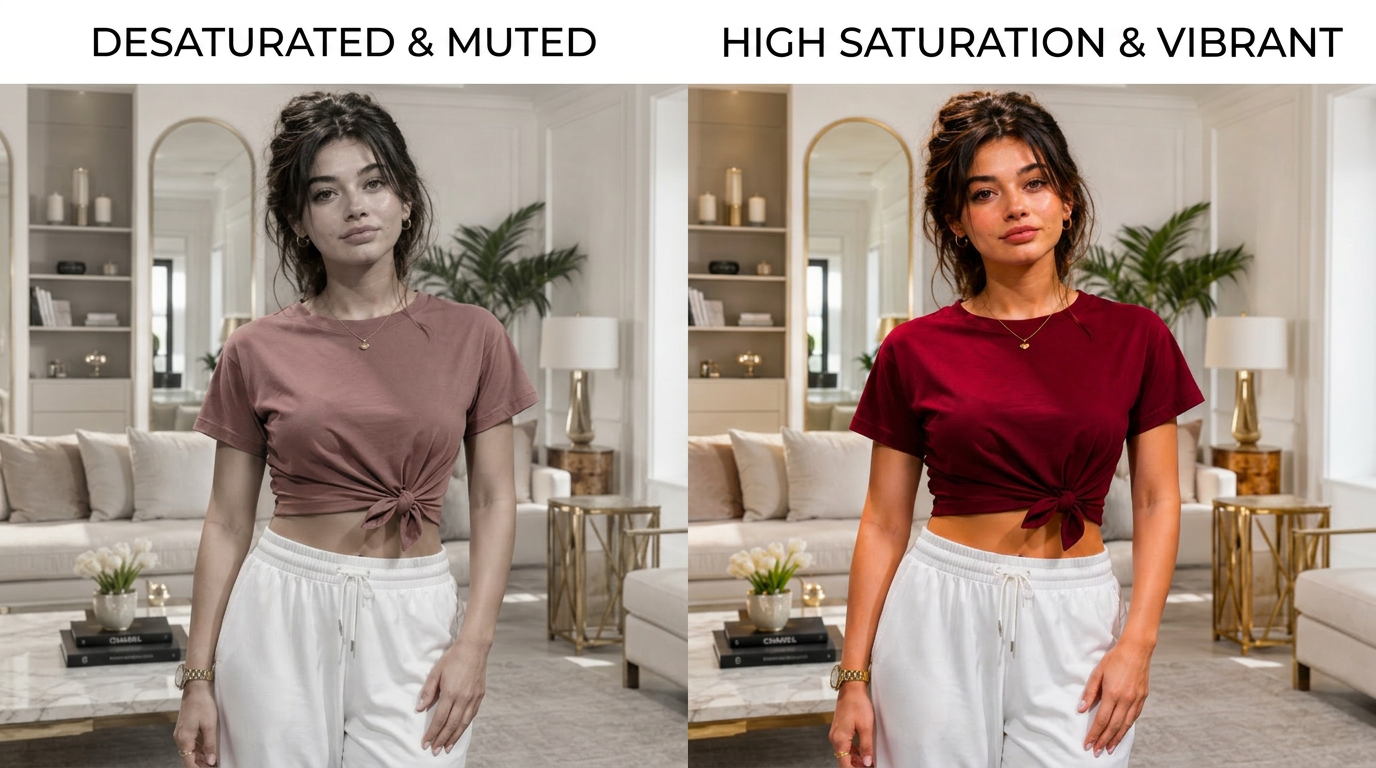
How to Use the Saturation — Free Browser Guide (2026)
Make colors more vivid or mute them toward grayscale with a single slider — great for stylized looks and color correction.
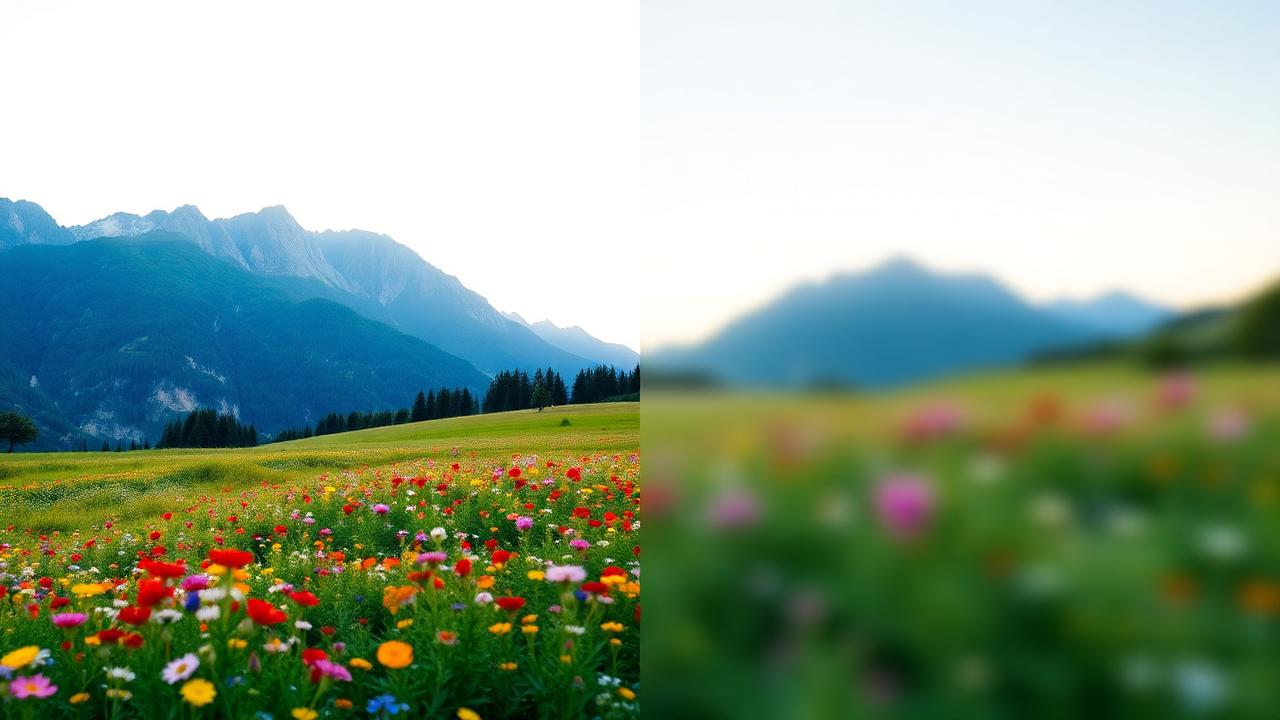
How to Use the Blur — Free Browser Guide (2026)
Apply a smooth Gaussian blur with adjustable radius — perfect for background softening, privacy masking or aesthetic effects.
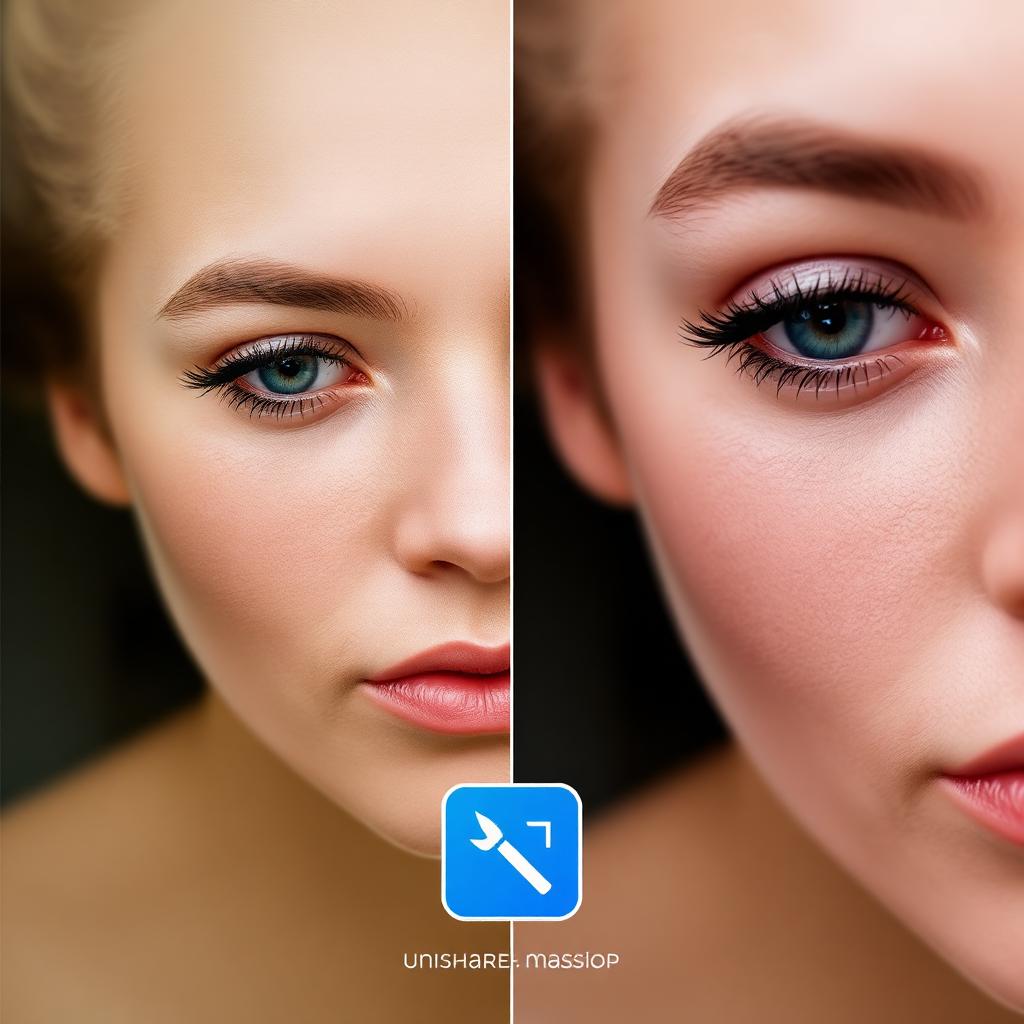
How to Use the Sharpen — Free Browser Guide (2026)
Enhance edges and fine details with an unsharp-mask sharpen filter to crisp up soft photos and recover perceived detail.
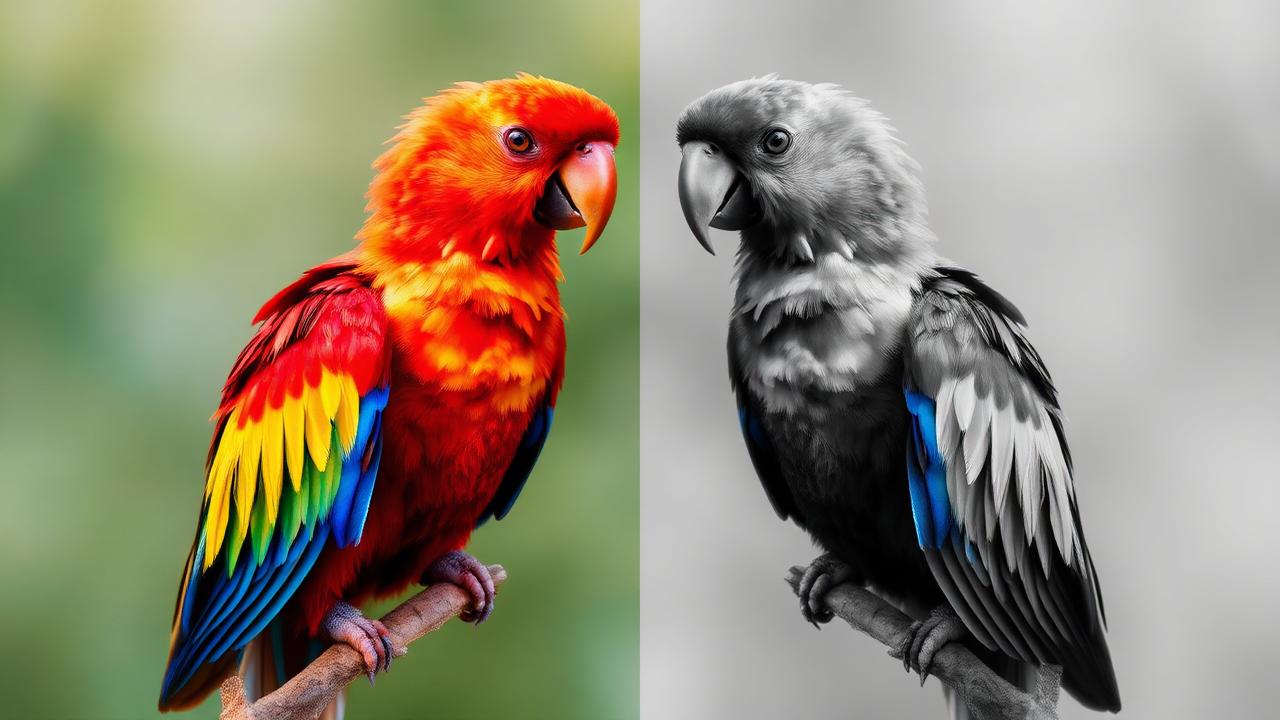
How to Use the Grayscale — Free Browser Guide (2026)
Convert any color photo to elegant black and white using luminance-weighted desaturation that preserves tonal balance.
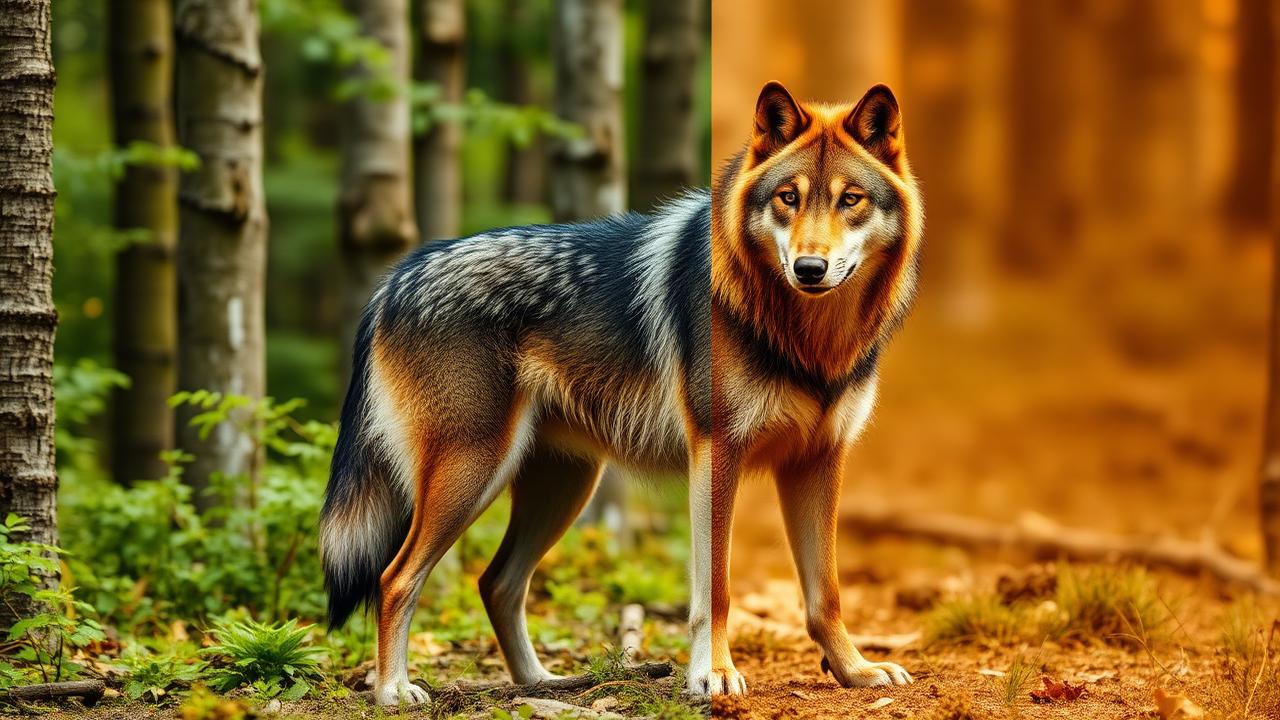
How to Use the Sepia — Free Browser Guide (2026)
Apply a warm vintage sepia tone for a classic film or aged-photo aesthetic — instant nostalgic look in one click.
Recommended Tools
Open all tools →Explore Tool Categories
Jump straight from a guide to the right tool set.
Put these guides into practice
Open the studio and try every technique with our free browser-based tools — no signup, no uploads.